


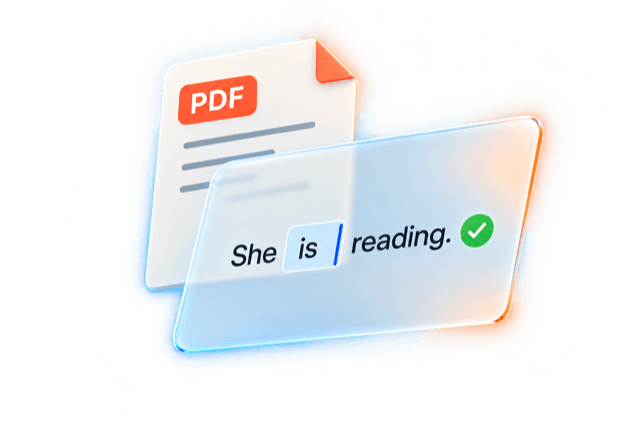
Upload a PDF — get an interactive textbook
We do everything to preserve the original layout: columns, illustrations and the character of your book.
Drag your PDF here or browse files
PDF up to 500 pages · digitize up to 60 pages at a time
Real stories from private teachers
We helped teachers move the textbooks they trust into an interactive format and teach their lessons with them.

Tatyana Grekova
TutorI tried digitizing a textbook on other platforms, and it took weeks. On lingua.community I moved my favourite course book over in its entirety in 7 minutes.

Elena Shatina
TutorI'm used to the layout of my own teaching materials and already know where each exercise is. After the transfer, the textbook stayed recognisable: the columns, text and images look almost like the original. I open it and find the exercise I need right away.
Ruslan Leontev
TutorI always missed my old favourite textbooks in an interactive format.
Frequently asked questions
About 10–15 minutes for every 60 pages. If your book is longer, run the conversion again for the next pages — for example, from page 61 to 120.
After the conversion you check the result and refine the layout if needed. Audio and video are added manually in the text editor.
We transfer text and illustrations with a layout close to the original. The recognisable character of the book is preserved: text placement, the link between tasks and pictures, and the page composition.
If needed, the layout can be refined in the editor to recreate the familiar look of your textbook even more precisely.
Yes. Edit it like ordinary text: change instructions, add explanations, images, audio and video. You can place text over a picture and adapt the page composition to your lesson — without rebuilding each exercise from separate blocks.
Examples are available after registration on the platform. Open a textbook and try the exercises to evaluate the layout and interactivity.
No. The AI transfers text and illustrations from the PDF and creates exercises with automatic checking. There is no need to upload answer keys in advance.
You just review the result, make any edits and add media files.
Yes. lingua.community has built-in video calls and an interactive board. Open the textbook and work together with your student: read, listen to audio, watch videos and complete exercises.
Exercises with automatic checking show results right during the lesson.
Yes. Select individual exercises and send the student exactly the amount of work you want. You decide what should be completed before the next lesson.
The student's answers are saved. You can review completed tasks, see automatic checking results and leave comments on the work.
In the next lesson it is easy to return to the answers, discuss mistakes and continue learning.
Yes. Materials adapt to the screen size so that text and exercises remain comfortable to work with.
On a narrow screen the columns are arranged one under the other: first comes the first group of exercises, then the second. The content and order of tasks are preserved.
On a wide computer screen or with a tablet in landscape orientation, the columns may appear side by side — then the layout is closer to the original textbook.